RFQ schedule
Issue the same project brief, room schedule, site inputs, documents and exclusions request to every bidder.
Download CSVProcurement toolkit · editable files
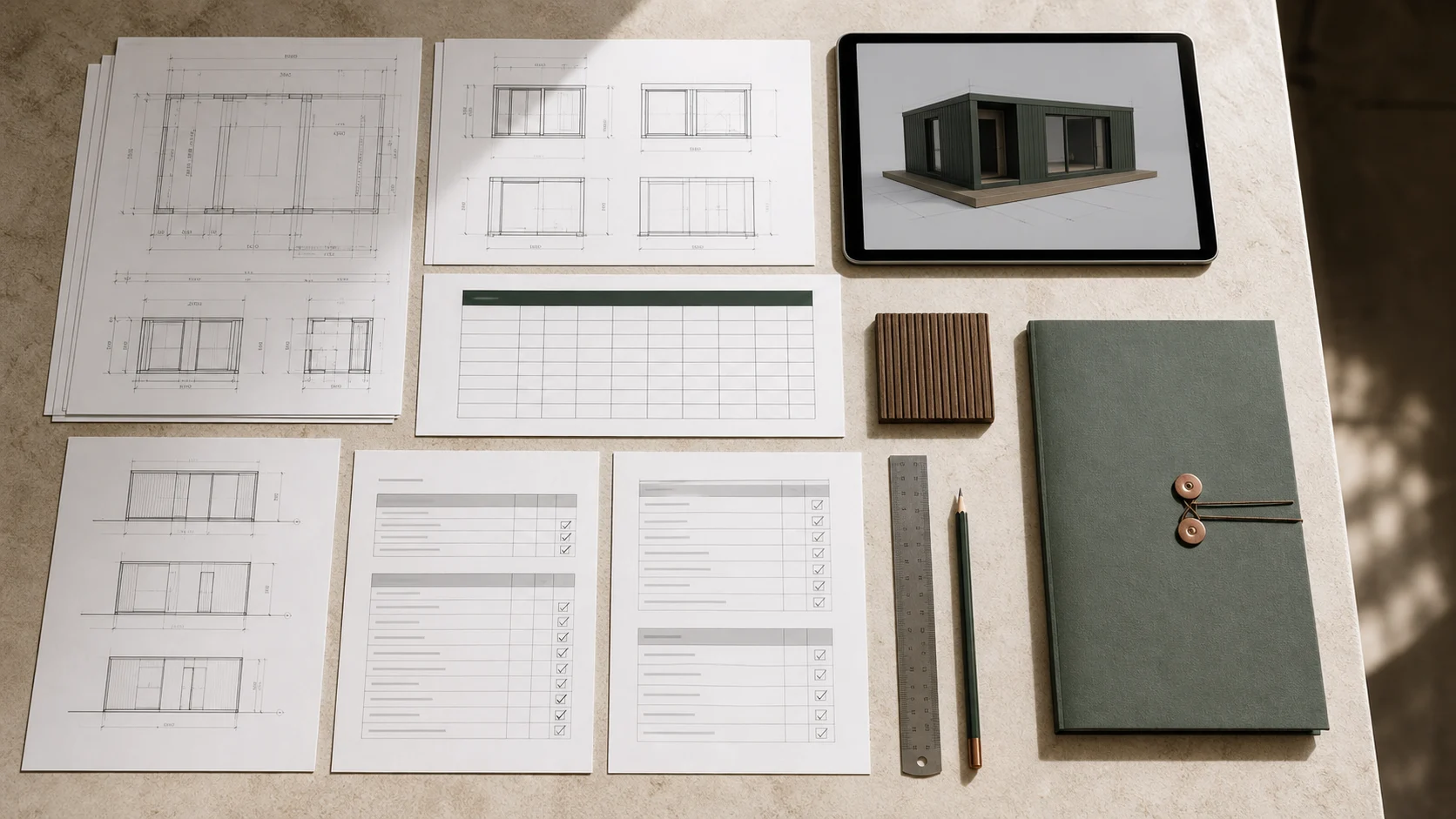
Six editable files help a project team define the room schedule, structure due diligence, issue a clearer brief, collect comparable responses, assign interfaces and control the document path. Download them without a form and adapt them with your project advisers.
Issue the same project brief, room schedule, site inputs, documents and exclusions request to every bidder.
Download CSVDefine each bookable room type, phase, occupancy, operating requirements, outdoor interface and unresolved design decisions before model selection.
Download CSVTrack the project basis, design maturity, factory evidence, delivered-cost inputs, site readiness, responsibilities and handover information behind an investment decision.
Download CSVRecord compliance gates and score the evidence returned for scope, technical basis, factory, logistics and lifecycle support.
Download CSVName the party responsible for design, approvals, factory work, transport, site preparation, installation and handover.
Download CSVTrack required documents, planned dates, review status, revisions and the decision each submission supports.
Download CSVA clean comparison
The value is not in any single spreadsheet. It comes from keeping the brief, bidder response, responsibilities and document register connected as the project becomes more specific.
Set room roles, occupancy, phases and operating requirements before a cabin format is preferred.
Name the evidence, reviewer and decision required before model preference becomes a commitment.
State the use, quantity, room schedule, destination, interfaces, programme and evidence required.
Ask bidders to identify assumptions, exclusions, substitutions and information still required.
Evaluate the offered building, factory process, logistics plan and handover support, not brochure wording.
Attach the final matrices to the agreed scope so each interface has an owner and review path.
No. They are editable starting points for a project team. The appointed commercial, design and legal professionals should adapt them to the procurement route, jurisdiction and contract.
Yes. A common brief and response structure make scope gaps and exceptions visible. Allow bidders to explain alternatives, but keep the comparison fields consistent.
Yes. Early use is often more useful because the room brief, destination, site interfaces and evidence requirements can be set before a product is preferred.
CSV opens in common spreadsheet applications and keeps the fields editable. Project teams can add owners, dates, scoring rules and contract references without being locked to one software package.
Send the destination, intended use, room quantity and current site information. The review can return the missing inputs and document path before commercial scope is compared.